
Agent Library
One library. Every agent.
One home for everything your agents make. Docs, pages, PDFs, screenshots and video from Claude, ChatGPT, Codex, Cursor and the rest, in one library you own.
Open source · Works with any agent · Self-host on Cloudflare's free plan
What it does
Any agent, over MCP
Agents read and write through a standard remote MCP server with OAuth sign-in, or a scoped HTTP API. No custom client, SDK or gateway.
You decide who gets what
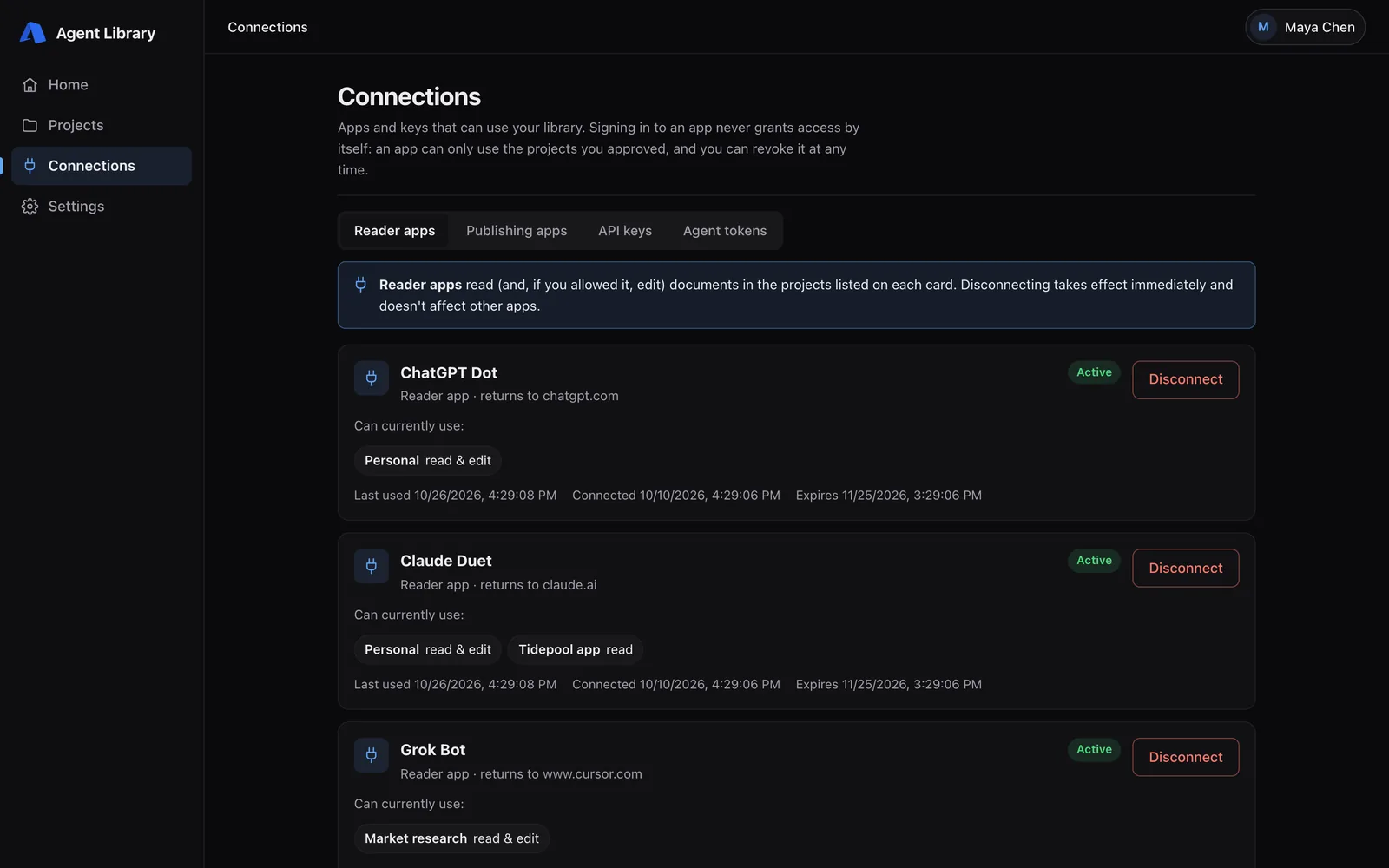
Each agent gets explicit, revocable access to specific projects: read-only or read and write. Revoking takes effect on the next request.
Markdown is first-class
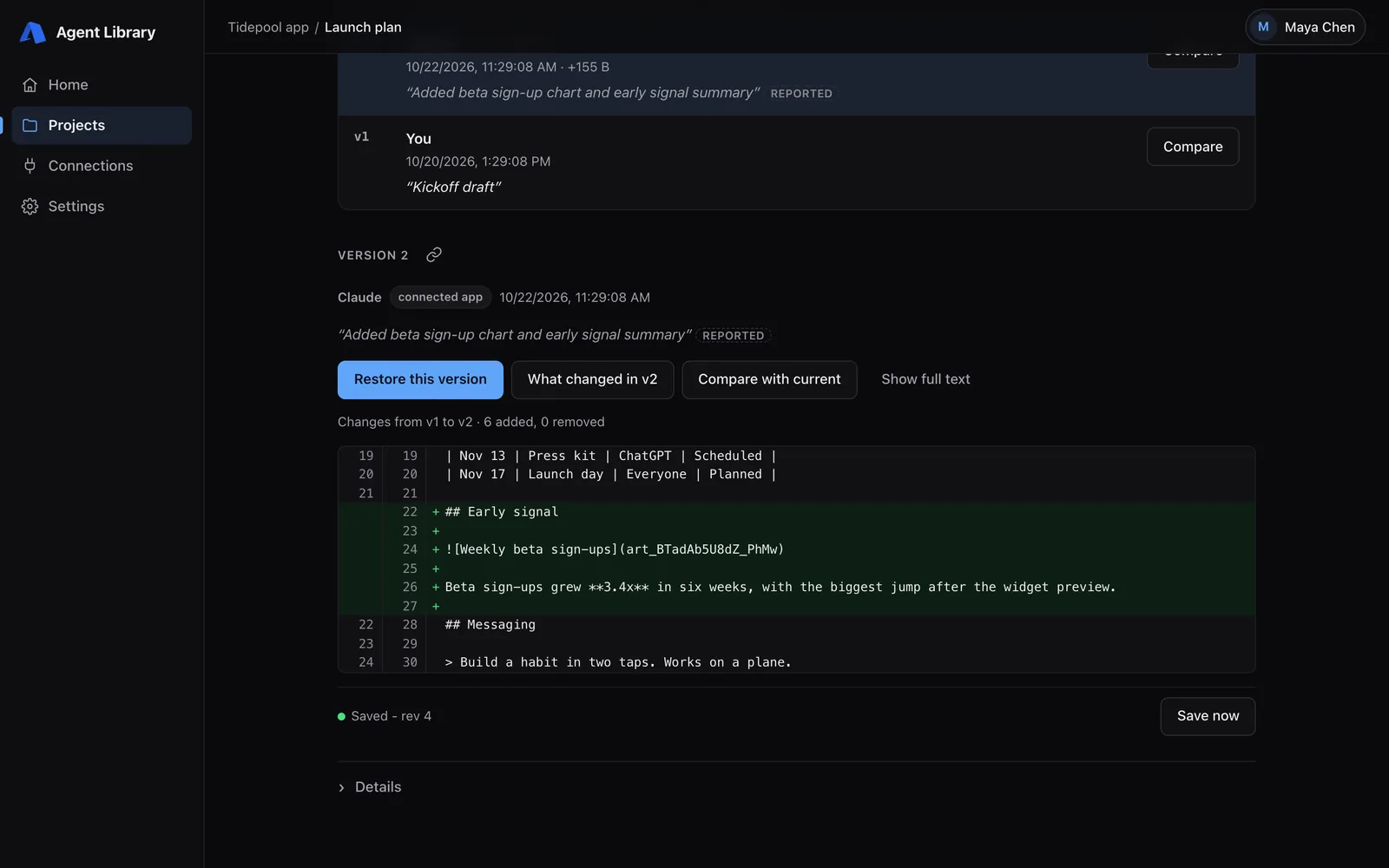
Agents edit Markdown directly. Every save is a version, so you can see what changed, who changed it and why, and restore any earlier one.
Every artifact has a link
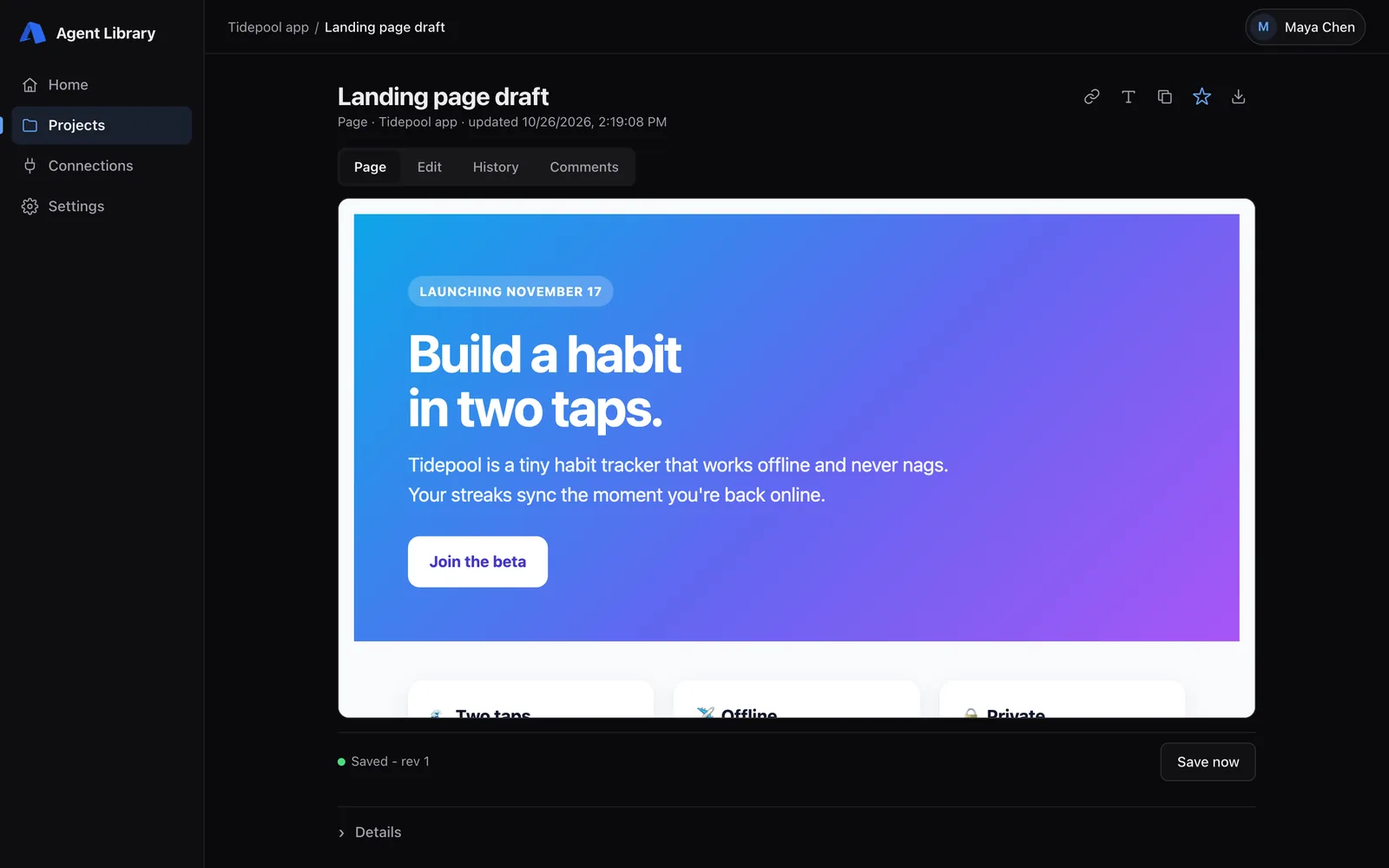
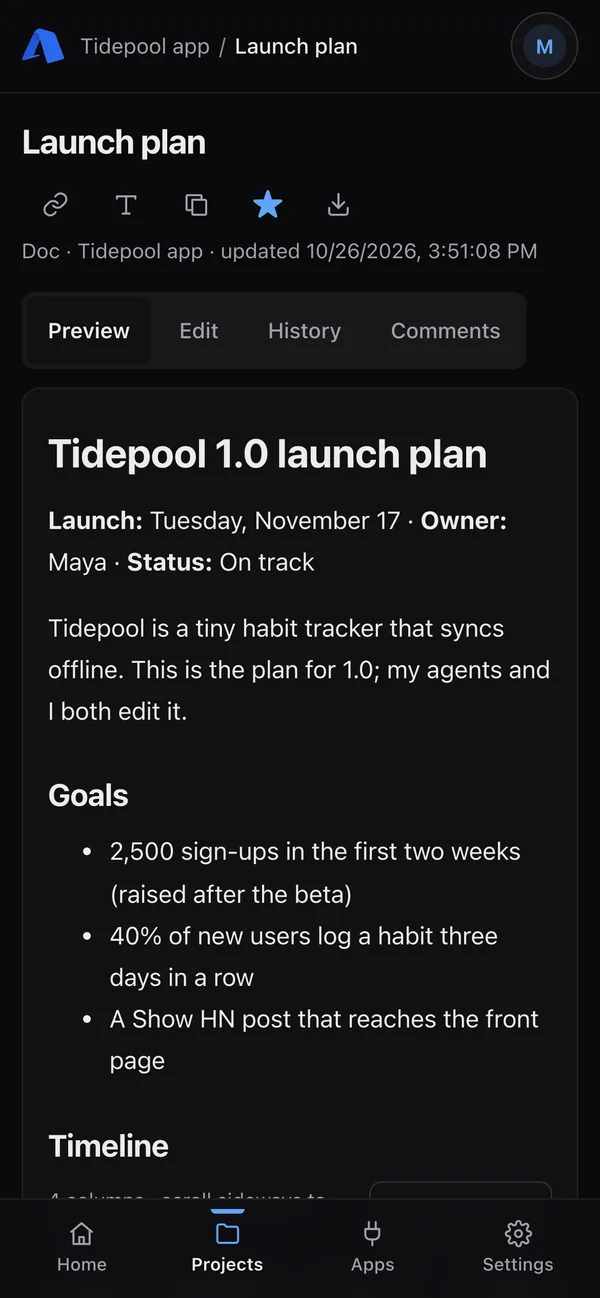
Agents return a stable link with each file. Open it on your phone or hand it to another agent. Links need your sign-in; they aren't public.
Yours, and open source
Runs in your own Cloudflare account (Workers, D1, R2, KV) on the free plan for a typical personal library. MIT licensed, not tied to any model.
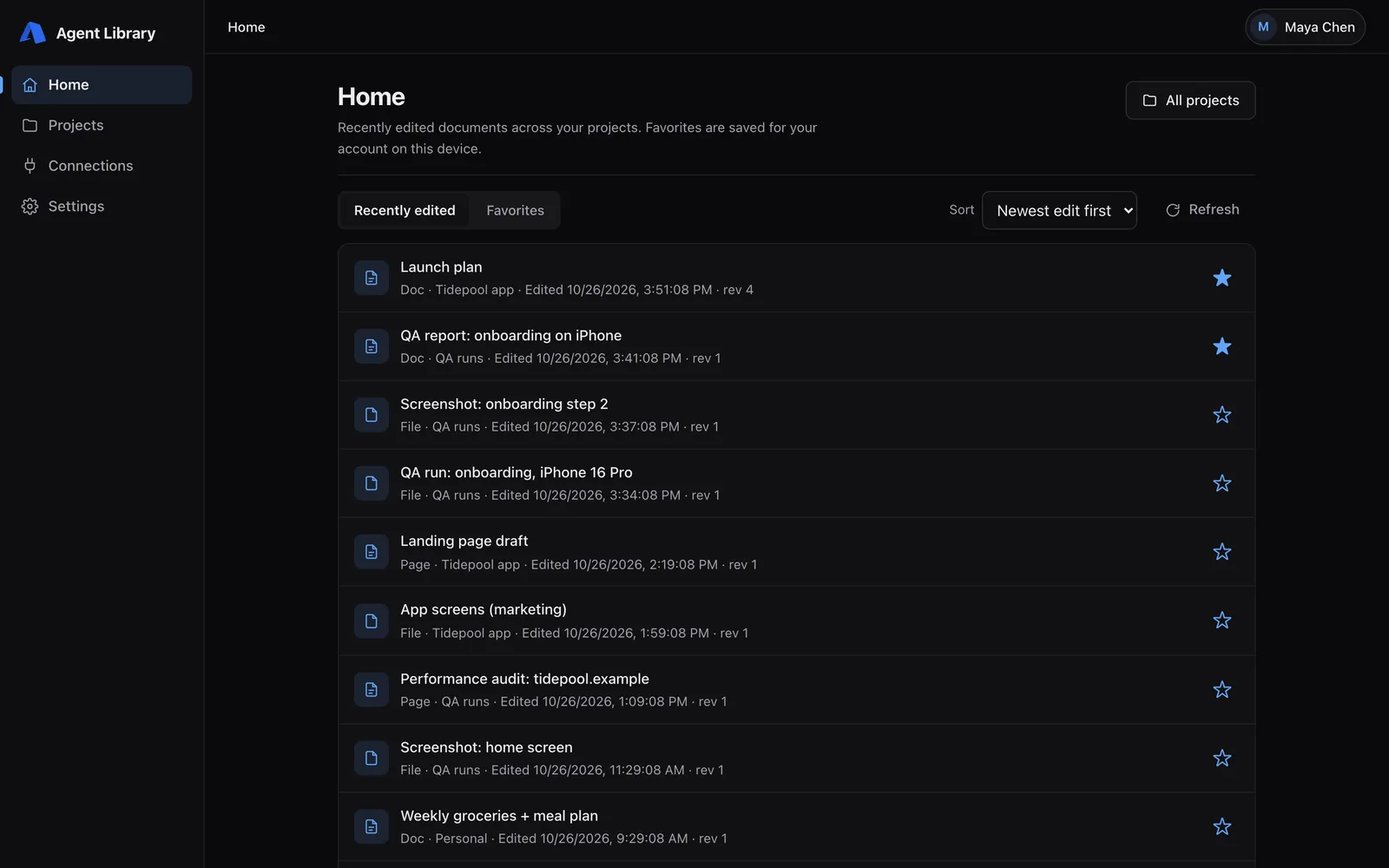
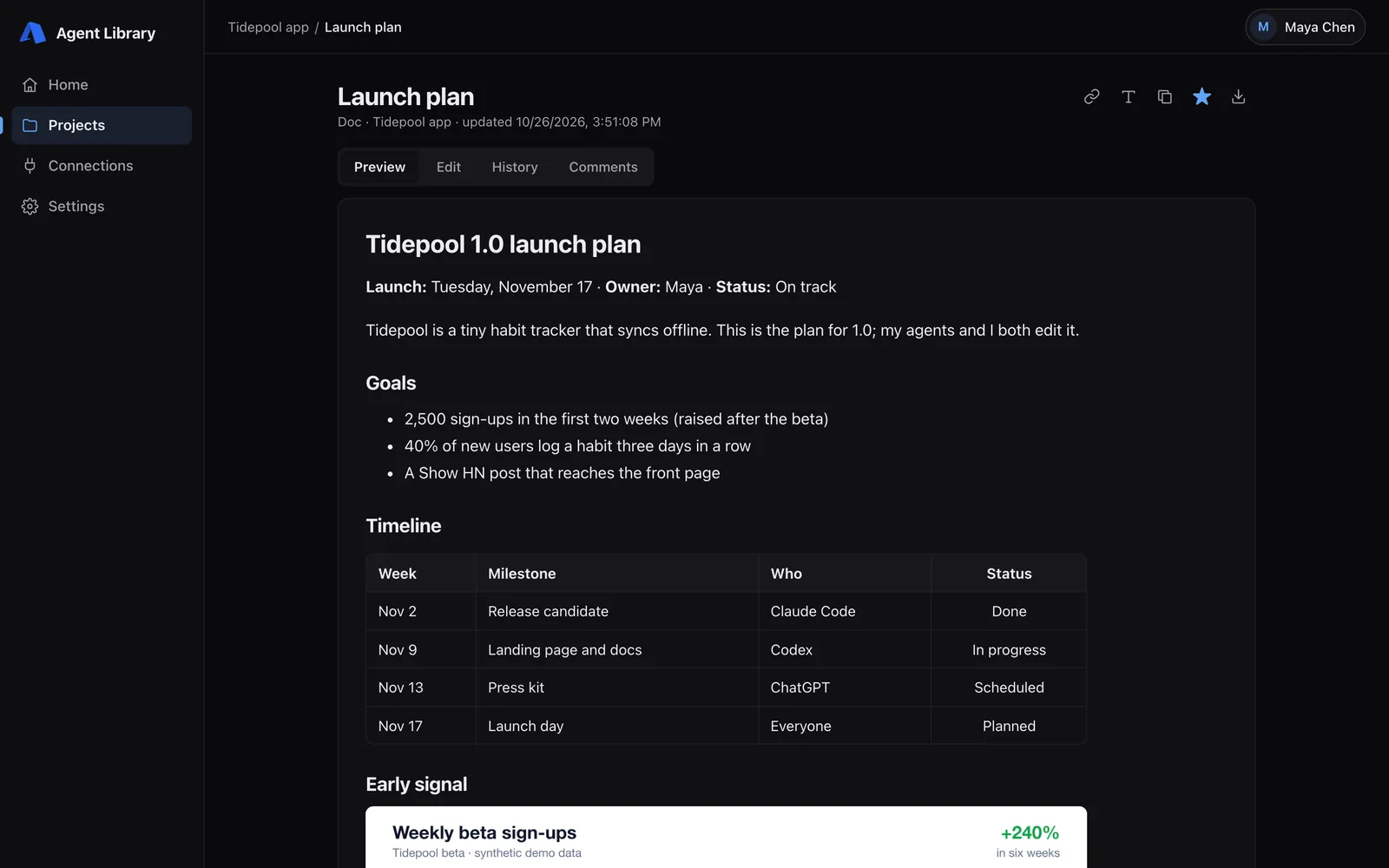
Screenshots
Demo data: a fictional "Tidepool" project.
Set it up
You need a Cloudflare account with a domain you control, Node 24 and about 20 minutes. The setup guide is written to be followed together with a coding agent: point yours at the self-hosting guide, then connect your agents. It's a personal library: one owner, many agents.
Media assets
Free to share. The videos have music and no voiceover, and all key text is on screen, so they work muted. They're also on the GitHub release. Logos and icons are on the brand page.